











The Helabet mobile application gives Tanzanian players a convenient way to place bets and access casino games from a smartphone. It is useful for customers who prefer a dedicated interface instead of keeping the betting site open in a browser. This guide explains how to download, install, update, and use the available mobile option.
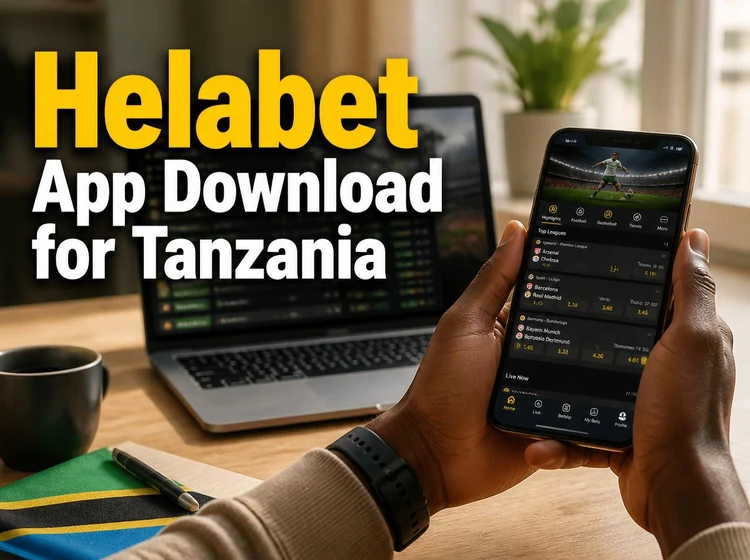
A dedicated app can make navigation easier because the icon is available from the home screen and account tools are grouped in one interface. People using an iPhone can instead open the responsive mobile site in Safari when a standalone iOS app is not available. The right choice depends on the device, operating system, storage, and the quality of the internet connection.
Why Use the Helabet Mobile App
The app places sports markets, live betting, and casino sections within a mobile-friendly layout. You can move between pre-match events and live markets without opening several browser tabs. Aviator and other available games can be reached from the relevant casino or game section, while the profile area provides access to account details and active bets.
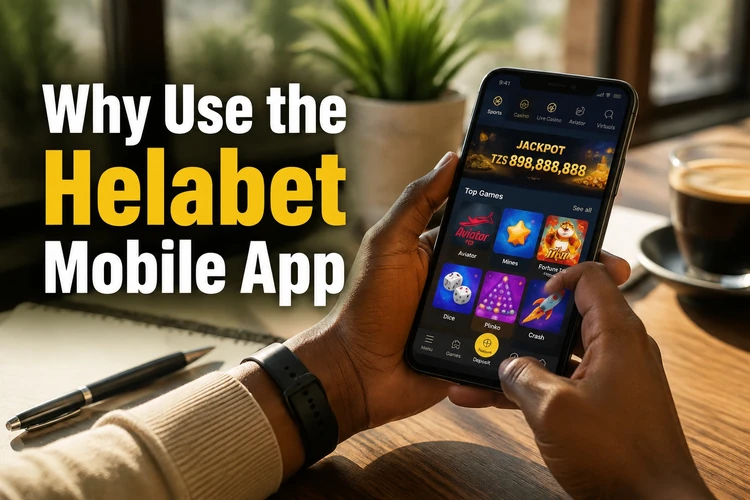
Account balance, transaction records, bet history, and open selections are easier to check when they are kept in one place. Payment instructions depend on the methods supported for your account, so review the available deposit and withdrawal options before confirming a transaction. A stable connection is especially important while submitting a live selection or completing a payment.
Notifications may be useful for event reminders or account updates, but they are optional. You can control them through the app permissions on your phone. If you share a device, use a screen lock and sign out when necessary. Never allow another person to use your account or store your password in an unsecured location.
How to Download the Helabet App
For Android, open the official Helabet website in your phone’s browser and look for the app download option. Start the transfer only after checking that the address is correct. Avoid files shared through social media, unofficial forums, or third-party download pages, because an altered installer may expose your account or device.
Before downloading, check the Android version, available storage, and battery level. Keep enough free space for both the installer and temporary installation files. Wi-Fi is preferable when the connection is unstable or your mobile data allowance is limited. Do not close the browser until the file has finished saving.
iPhone users do not need an APK. If no official App Store application is provided, use the mobile website through Safari. You can add the page to the home screen using Safari’s share menu, creating a shortcut without installing an unverified file.
Understanding the APK File for Android
An APK is the standard Android Package file used to install an application outside Google Play. It can be useful when an app is distributed directly by its operator, but it should be treated like any downloaded software. Confirm the source, check the file name and size where shown, and delete an incomplete download before trying again.
Android may ask you to allow installation from the browser or file manager used to open the file. On newer phones, this permission is usually granted to one specific source rather than to the whole device. Enable it only when needed, complete the installation, and then turn it off again if you do not regularly install APK files.
Read the permission screen before accepting it. Network access is expected for an online betting service, while requests that do not relate to the app’s operation deserve closer attention. Keep Android security features active, and do not bypass warnings from the operating system.
Step-by-Step Installation Guide
Use these steps on an Android phone:
- Step 1: Open the mobile browser and visit the official Helabet website.
- Step 2: Tap the download option and wait until the APK is fully saved.
- Step 3: Open the notification, Downloads folder, or file manager.
- Step 4: If Android blocks the file, allow installation for that browser in Security or Privacy settings.
- Step 5: Return to the file, tap Install, and review the displayed permissions.
- Step 6: Wait for the installation to finish, then open the app from the confirmation screen or home screen.
- Step 7: Enter your existing account details. New customers should follow the registration instructions shown on the official service.
If the app asks for notification access, choose the setting that matches your preference. Use your own credentials, check that the connection is private, and do not share one-time codes. After signing in, review your balance and account details before placing a bet.
Helabet App for iPhone Users
When a native iOS application is not available in the App Store, iPhone users can access the responsive mobile website through Safari. Enter the official address yourself or use a trusted bookmark. The browser version avoids the risks of installing an unknown configuration profile or an unofficial iPhone package.
Browser-based access does not require manual app updates. Changes are delivered from the service itself, although performance can depend on Safari settings, available memory, and network strength. If pages do not load correctly, close unused tabs, clear temporary website data, and reopen the site.
Updating the Application
An APK installation normally requires a manual update. Check the official website when you receive an update notice or when the current version begins showing compatibility problems. Download the new file from the same trusted source and install it over the existing version. Keep the old app installed until Android confirms that the update has completed.
If an update fails, check free storage and confirm that the download finished completely. A mismatched or damaged file may be rejected. Restarting the phone can also clear a temporary installer problem. Do not remove the existing app unless you have confirmed that your login details and any required recovery information are available.
Common Installation Problems
If the APK will not open, check that it was downloaded completely and that your browser is permitted to install it. If Android displays an installation-blocked message, review the permission for that specific browser. An older operating system or insufficient storage can also prevent setup.
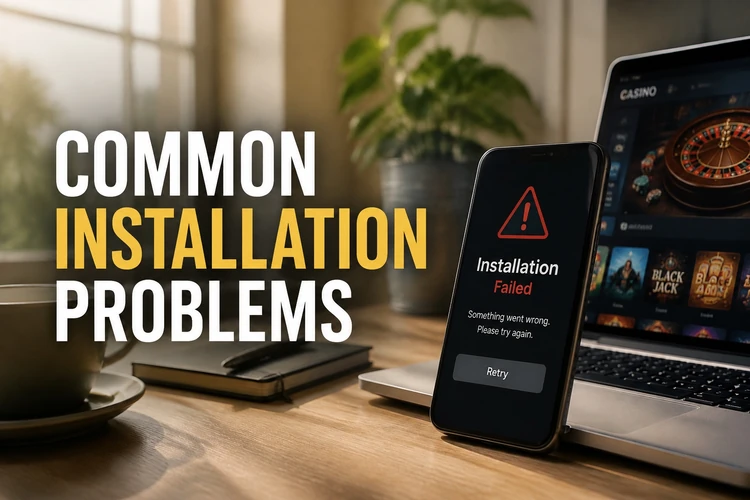
If the app closes immediately, restart the phone and clear the app cache through Settings, Apps, the app name, and Storage. Re-download the file if the problem started after an interrupted transfer. For a full storage warning, remove unused files or move photos before trying again.
Login problems are often caused by an incorrect password, an expired session, or a weak connection. Recheck the details without sharing them with anyone. Use the recovery option on the login screen if you have forgotten the password. If the website or app remains unavailable, record the exact error and contact support rather than installing a file from another source.
Use only funds you can afford to lose and take a break if betting stops feeling controlled. Account limits and responsible-gambling tools should be reviewed before regular use.
FAQ
Open the official Helabet website in a mobile browser and use its Android download option. Save the APK, open it from Downloads, allow installation for the browser if Android asks, and follow the installation steps.
Use only the file provided through the official website. Avoid third-party mirrors and files sent through social media. Keep your phone’s security tools active and review the requested permissions before installing.
If a native iOS app is not listed in the App Store, use the responsive Helabet website in Safari. You can add a shortcut to the iPhone home screen without installing an unverified package.
An APK usually does not update through an app store. Check the official website for a newer file and install it over the current version after confirming that you have enough storage.
Confirm that the download is complete, allow installation for the browser in Android settings, and check your operating-system version and free storage. If the file still fails, delete it and download it again from the official source.
The initial download uses the data shown by your browser for the file. Later usage depends on activity: checking markets uses less data than continuously viewing live content or casino games. Wi-Fi can help reduce mobile-data use.